
Free • Fast • 10 seconds
Balance Inquiry TM: Check Your TM Load and Data Balance
Nothing is more irritating than running out of load during an urgent call. Or maybe your data dies while your promo should still be running. Annoying, right?
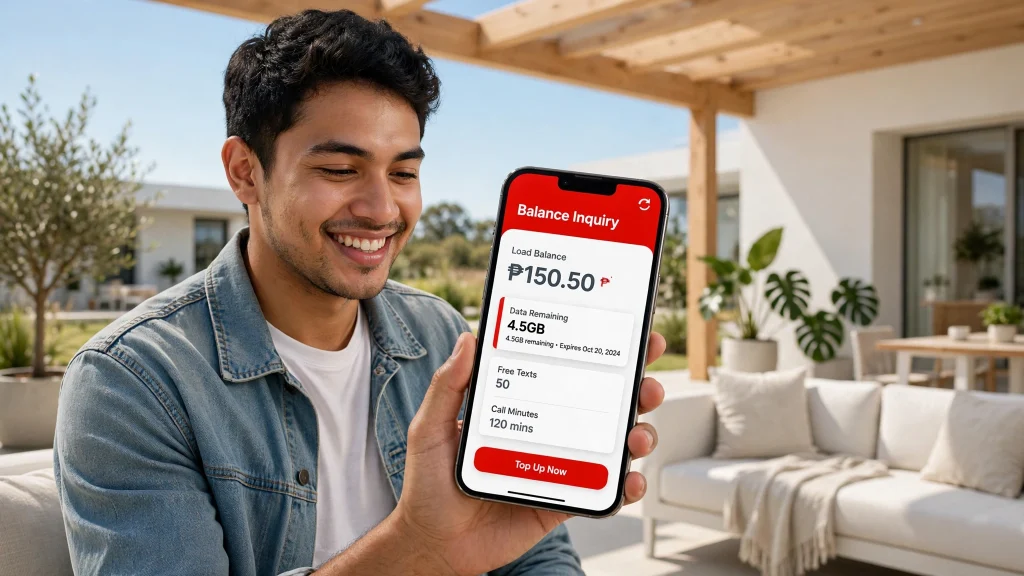
Quick answer
A quick balance inquiry TM check fixes all of that. It takes about ten seconds. You can see your load, data, and promo details without leaving your phone.
Load balance
Dial *143# and press call.
Data balance
Text DATA BAL to 8080, or open the GlobeOne app.
Codes can change over time. So if a menu looks different, follow what your screen shows.
TM Balance Inquiry Methods
Not sure where to start? This table gives you the short version. The sections below explain each method step by step.
| Method | How to check | Cost | Internet needed? |
|---|---|---|---|
| USSD code | Dial *143# | Free | No |
| SMS (data) | Text DATA BAL to 8080 | Free | No |
| GlobeOne app | Log in and open the dashboard | Free app, needs data | Yes |
| SIM menu | Open your phone’s SIM menu | Varies by phone | No |
Here’s the fun fact. No single method is best for everyone. Pick the one that fits your phone and your signal.
How to Check TM Balance
Let’s start with the fastest option. It works even when your data has run out.
Check TM Balance Using *143#
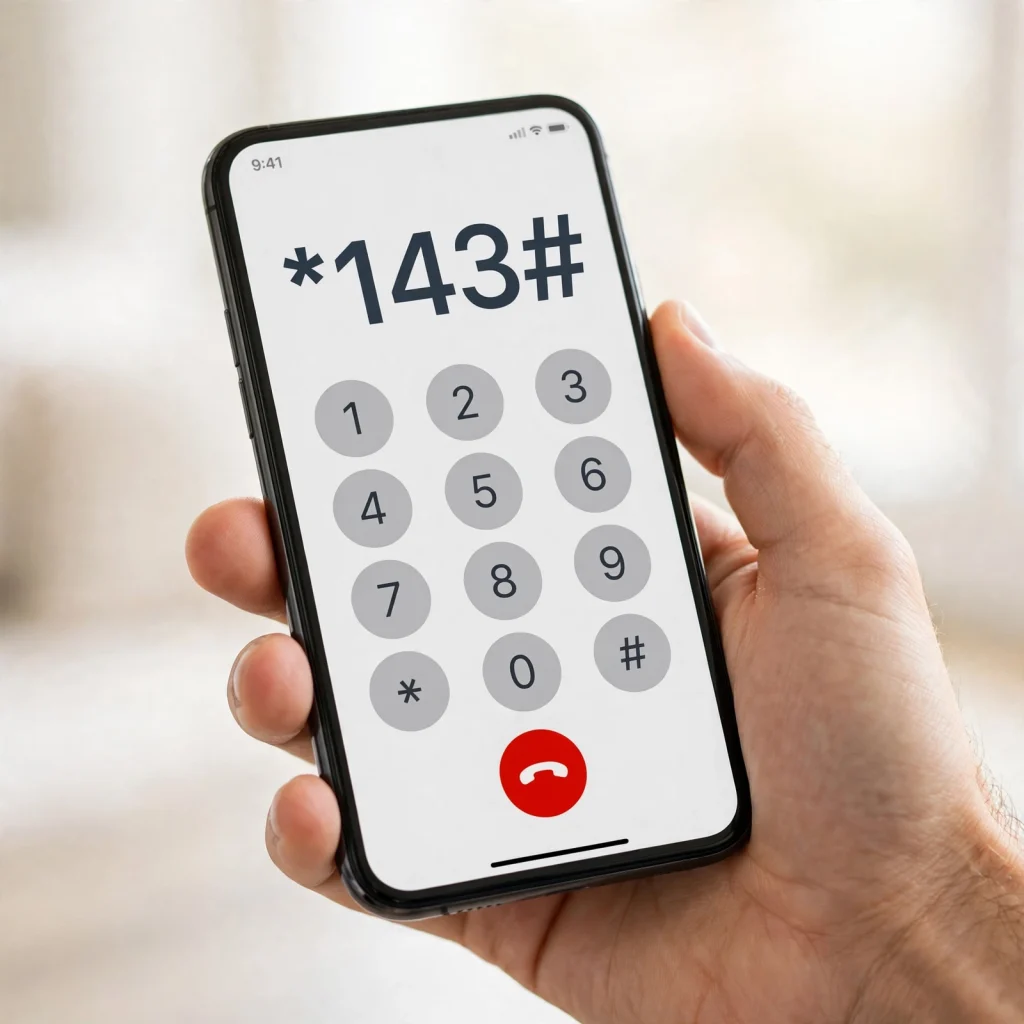
This is the main balance inquiry TM code. Here’s how to use it:
1
Open your phone’s dialer
Open the dialer on your phone.
2
Dial *143# and press call
Type *143# and press the call button.
3
Wait for the menu
Wait a few seconds for the menu to appear.
4
Look at the top of the screen
Your load balance shows at the top of the screen.
Want more detail? Pick the account option from the menu. Menu numbers can change, so don’t rely on an old one from another website.
No internet needed. The *143# menu doesn’t need mobile internet. That makes it perfect for emergencies.
How to Read Your TM Balance Result
The result can show a few useful things:
- Load balance: your remaining peso credit.
- Expiry date: when your load stops being usable.
- Promo details: what’s active and how long it lasts.
Pay attention to that expiry date. It’s the one people forget. And it’s not always the same as your promo expiry.
Just bought load? Give it a minute to show up. Then check again.
Check TM Balance by SMS
Texting works best for data. Globe officially supports one keyword for this.
1
Open your messages app
Open the messages app on your phone.
2
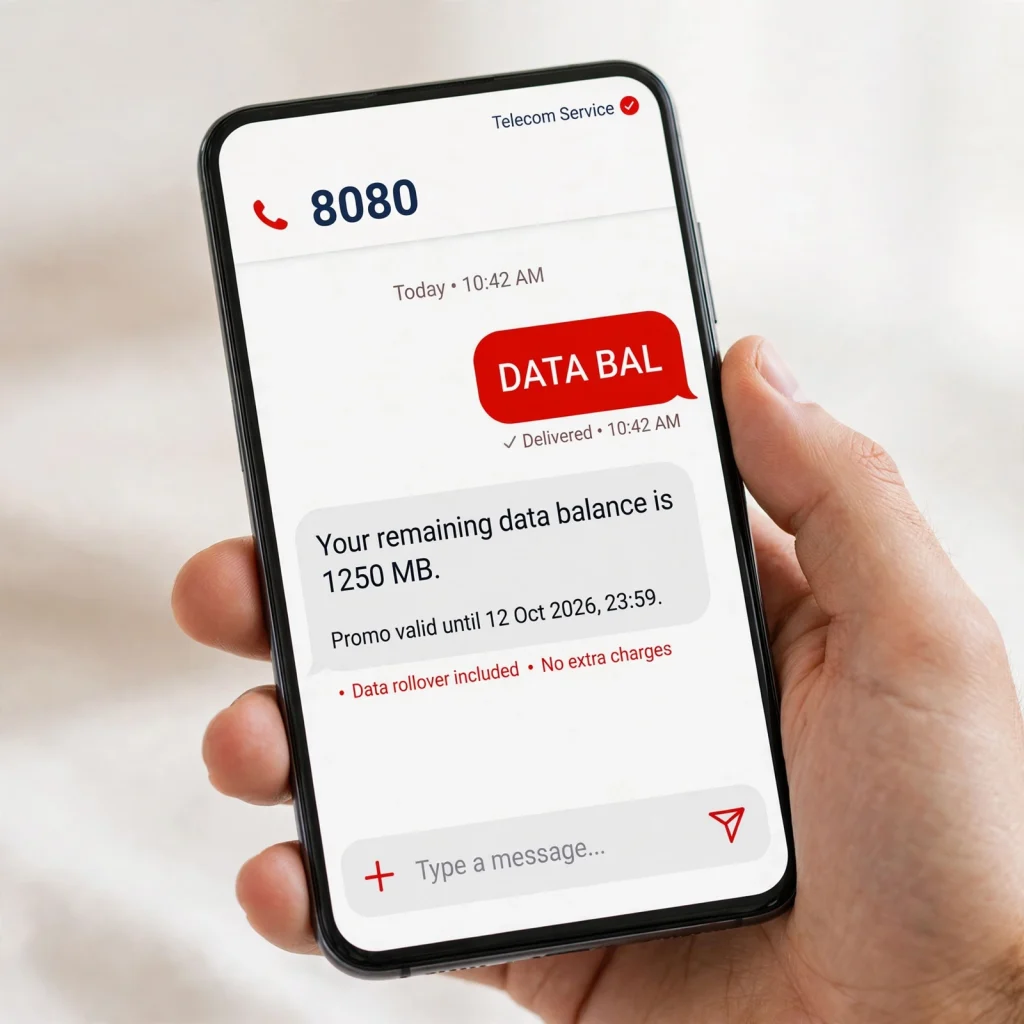
Type DATA BAL
Type the keyword exactly as shown.
3
Send it to 8080
Send the message to 8080 and wait for the reply.
4
Read the reply
The reply shows your remaining data.
Globe lists this method as free. Type the keyword exactly as shown. Extra words or emojis can block the reply.
Other Ways to Check Your TM Balance
Maybe *143# isn’t playing nice today. No worries. You have two more options.
Use the GlobeOne App for Balance Inquiry TM Online
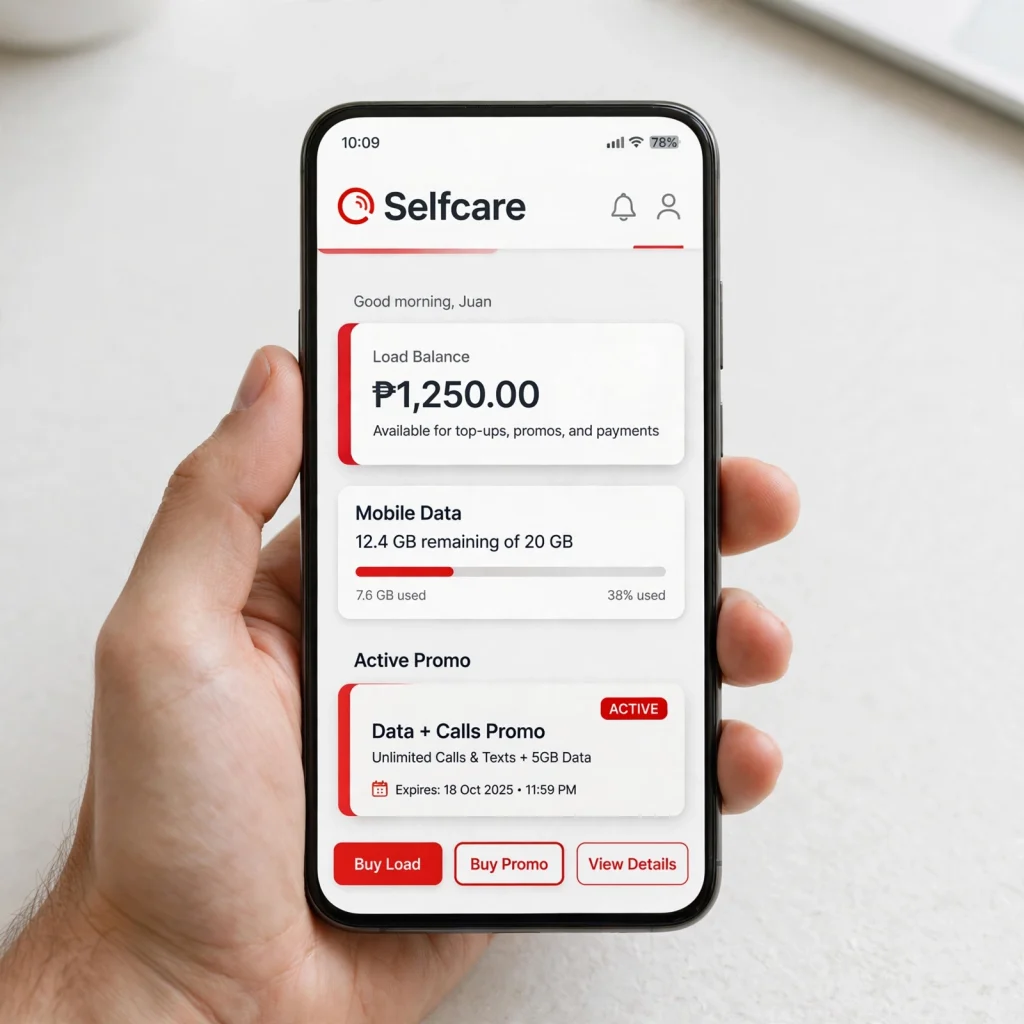
The GlobeOne app is the closest thing to a true online check. It also shows the most detail.
1
Download GlobeOne
Download GlobeOne from your app store.
2
Log in or register
Log in or register with your TM number.
3
Open the dashboard
You’ll see your load, data, and active promos in one place.
Turn on mobile data first. The app itself is free to use.
This suits people who check often. It also helps if you like clean, visual screens. It covers both the balance inquiry TM app and online searches.
Check Through the SIM Menu
Some phones have a SIM or network services menu. You may find a balance option inside it. The name and location depend on your phone and SIM.
If you can’t find it, don’t waste time searching. Use *143# or GlobeOne instead. Both are easier and more reliable.
TM Load Balance vs Data Balance
Most people mix these two up. It’s an easy mistake.
| TM Load Balance | TM Data Balance |
|---|---|
| Peso credit on your SIM | MB or GB of internet |
| Pays for calls, texts, and promos | Powers browsing, apps, and streaming |
| May have validity rules, depending on the load or service | Tied to your promo validity |
So why can you have load but no internet? Because they live in separate pockets. You could have ₱50 in load and zero MB left.
It works the other way too. You might have plenty of data but almost no load for calls. Keep this in mind. Each method shows different details.
How to Check TM Data Balance
Data is what most of us actually run out of. Globe confirms three ways to check it: *143#, text, and GlobeOne.
Check TM Data Balance Using *143#
Wondering how to check data balance using 143? It takes three steps:
1
Dial *143#
Dial *143# and press call.
2
Select MyAccount
Choose MyAccount from the menu.
3
Choose Data Balance
Select Data Balance.
You’ll get a text message with your remaining data. That’s it. No app needed.
Check TM Data Balance by Text
Here’s the easiest way to check your data balance in TM. Text DATA BAL to 8080.
You’ll get your remaining MB or GB in a reply. Globe lists this on its own help page as free.
One tip: Skip the random keywords you see on old blogs. Stick with DATA BAL. It’s the one Globe confirms.
Check Your TM Promo Balance and Expiry
Your load is only half the story. Once you buy a promo, you need to track that too.
Here’s what you’ll want to know:
- How much data is left.
- Whether calls or texts are included.
- When the promo expires.
- Which promos are still active.
Use DATA BAL to 8080 for your data. The GlobeOne app also shows promo details clearly.
Buying a new TM load promo before expiry helps you avoid gaps. Set a phone reminder if you tend to forget. It’s a small habit with real savings.
What Happens When Your TM Data Runs Out?
Your internet may stop working when your included data allocation reaches zero.
What happens next depends on your active service or promo. Globe notes that customers with no remaining data allocation may be unable to browse.
Some services may charge regular browsing rates after you use up your allocated data. For example, Globe’s current digital-exclusive prepaid information states that regular browsing rates may apply after you use your allocated data.
Before continuing to browse, check your remaining data first. You can:
- Dial *143# and select MyAccount > Data Balance
- Text DATA BAL to 8080
- Open the GlobeOne app
This can help you avoid unexpected usage charges.
TM Balance Inquiry Not Working? Quick Fixes
Sometimes the balance check itself does not work. Try these simple steps before assuming your balance is wrong.
| Problem | Likely cause | Quick fix |
|---|---|---|
| *143# is not responding | Weak signal or a network glitch | Retry once or twice. Restart your phone. Take the SIM out for 30 seconds, then put it back. |
| DATA BAL text gets no reply | Wrong keyword or number, or no service | Type DATA BAL exactly as shown and send it to 8080. Check that your SIM can send texts. |
| No signal or network service | Weak coverage, Airplane Mode, or a SIM issue | Move to a spot with better signal. Turn off Airplane Mode. Try your SIM in another phone. |
| Balance looks wrong | New load or promo not updated yet | Wait a few minutes and check again. Refresh the GlobeOne dashboard. |
| Nothing works at all | SIM not registered or inactive | Complete your SIM registration. Make sure the SIM is still active. |
| Still stuck after all fixes | Account or network issue | Try GlobeOne as a backup. Then contact TM or Globe support with your number and load receipt. |
Honestly, a restart fixes this more often than you’d think.
FAQs About Balance Inquiry TM
How do I check my balance in TM?
You can check your TM balance through *143# or use the GlobeOne app. For data balance, Globe also supports texting DATA BAL to 8080.
What happens when my TM data runs out?
Your included internet allocation may stop once all data is consumed. Depending on your active service, regular browsing charges or other rules may apply, so check your remaining data before continuing to use mobile internet.
Can I check my TM data balance using SURF BAL?
For some TM data promos, you may be able to text SURF BAL to 8080 to see your remaining data. The response can vary by promo, so use DATA BAL to 8080 or GlobeOne when SURF BAL does not return the information you need.
What does EZ INFO show on TM?
EZ INFO is used to request account and promo information, which may include your remaining data, active promos, and validity details. Availability can depend on your current TM service or promo.
Can I check my TM balance by calling 222?
Some TM balance-checking guides list 222 as a way to access balance information by phone. Because service codes and charges can change, check TM’s current support information before relying on this method.
Check your TM balance in seconds
Dial *143# for your load, or text DATA BAL to 8080 for your data.
This guide is for information only. Codes and charges can change, so check Globe’s official support for current details.